

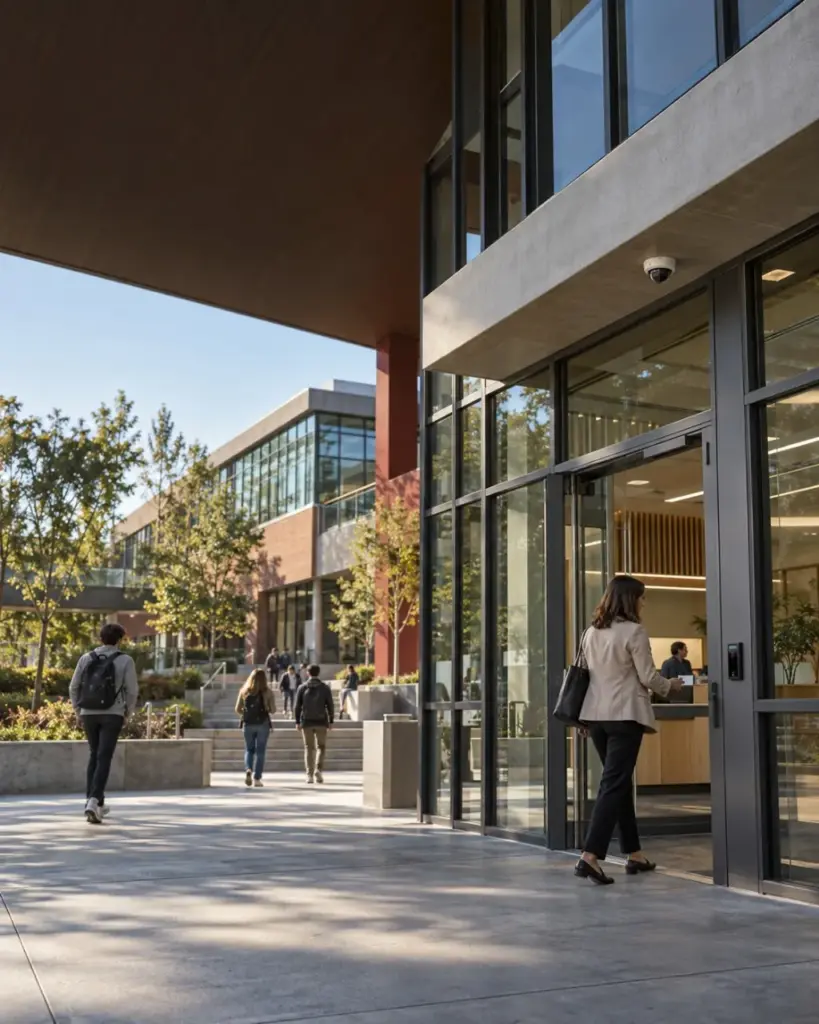
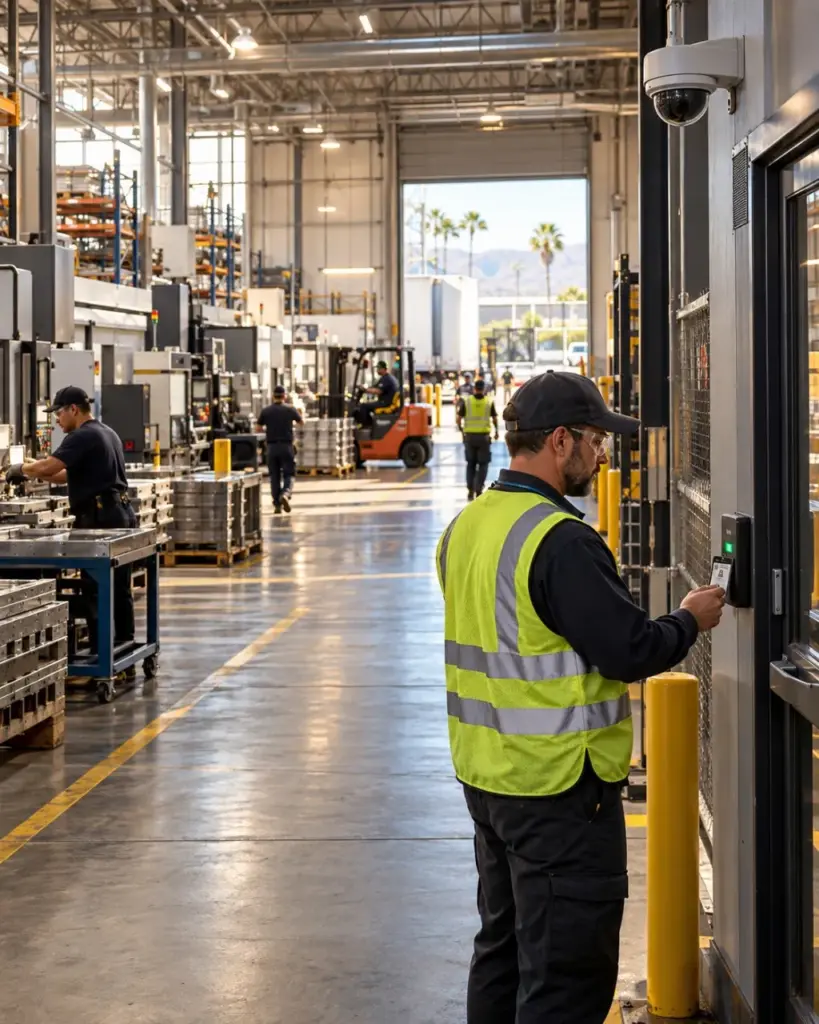
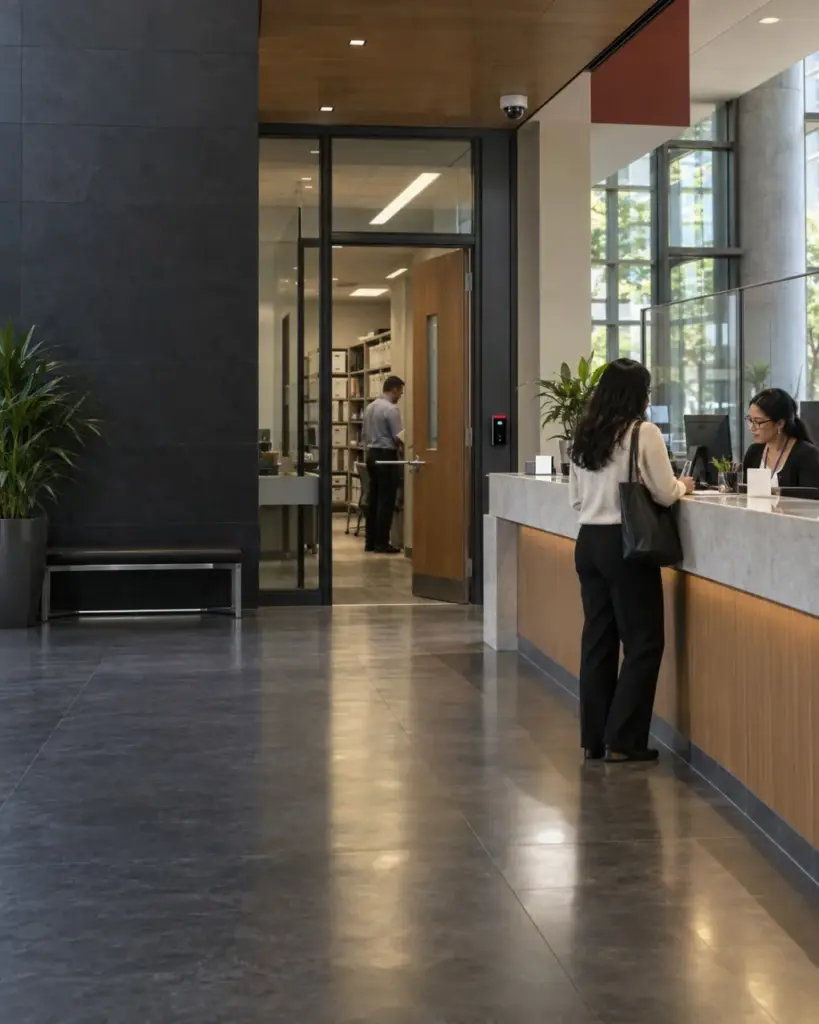

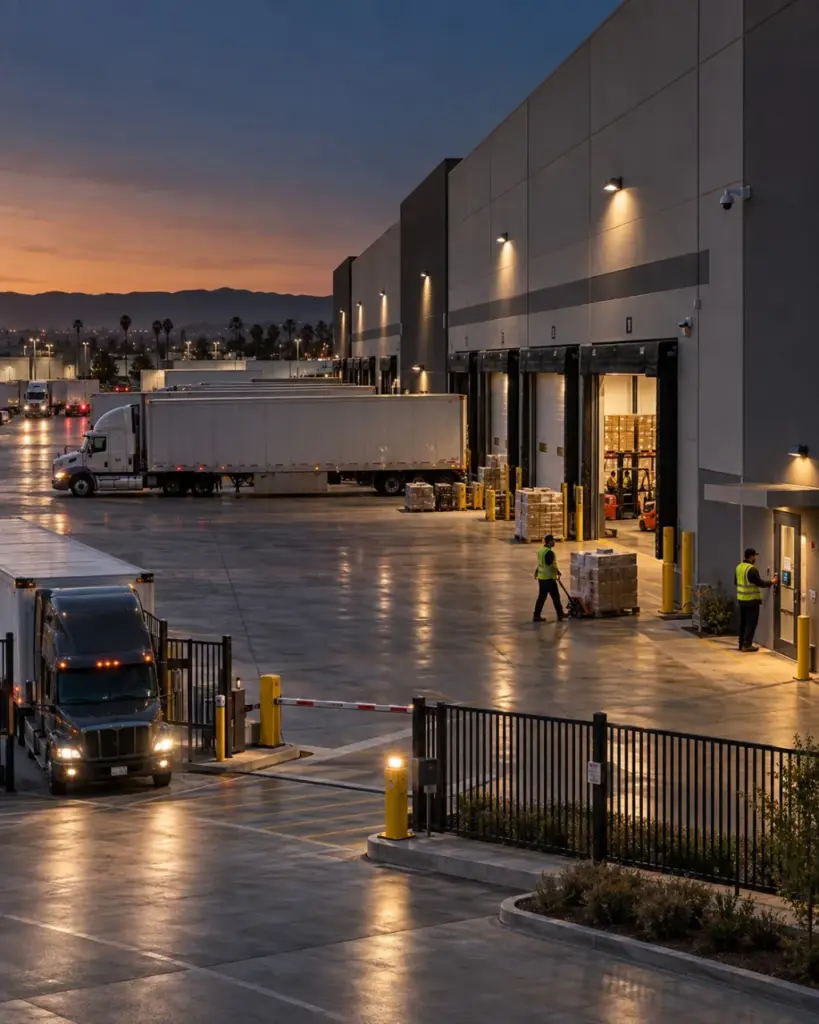


The plan was solid. Now someone has to build it right.
Commercial Security System Installation
We move your approved security plan into a coordinated, tested, supportable installation. JMG SECURITY SYSTEMS installs commercial access control, video, intrusion, fire, and integrated systems, and handles testing, training, and handoff from the Central Coast to San Diego.
✓
Worried an install will shut down operations for days? We'll show you how we keep the business running during the build.
Local experience
Installing SoCal security systems since 1987
System approach
Licensed & insured install crews
Infrastructure
Minimal-disruption scheduling
System fit
Full walkthrough & handoff training
01 · Where installation quality quietly slips
A System Can Look Installed And Still Be Poorly Built
Rushed cable runs, unlabeled wiring, and shortcuts taken to hit a deadline don't show up on day one, they show up eighteen months later, when a simple service call turns into an hour of tracing unmarked cable through a ceiling nobody documented properly.
01
Crews rush the parts nobody can see
Cable dressing, labeling, and pathway routing get sacrificed when a schedule is tight.
JMG
JMG SECURITY SYSTEMS holds the same workmanship standard behind the wall as in front of it.
02
Installation disrupts the business more than it should
Untrained scheduling around business hours can shut down operations for far longer than necessary.
JMG
Installation is sequenced and scheduled around your actual operating hours, not around crew convenience.
03
Nobody walks you through the finished system
An install that ends the moment hardware is mounted leaves staff guessing how to actually use it.
JMG
Every installation closes with a full walkthrough and hands-on training for your team.
04
Unlicensed or uninsured crews create liability nobody wants
A cut corner on licensing becomes your problem the moment something goes wrong on-site.
JMG
Every JMG SECURITY SYSTEMS installer is licensed, insured, and background-checked before ever setting foot on your property.
02 · What a professional installation actually includes
Every Device Properly Mounted, Wired, And Documented
Professional installation is more than mounting hardware, it covers how the job gets scheduled around your operations, how cleanly the physical work gets done, and how your team gets handed a system they actually know how to use.
01
Disruption-minimized scheduling
Install sequencing planned around your business hours, not against them.
02
Licensed & insured install crews
Every technician vetted, licensed, and insured before entering your facility.
03
Clean cabling & pathway workmanship
Dressed, labeled, and documented wiring behind every finished wall.
04
On-site project coordination
A single point of contact managing the job from kickoff to completion.
05
Multi-trade job site coordination
Installation timed and communicated around other contractors already on-site.
06
Full walkthrough & staff training
Hands-on training and documentation delivered at project handoff.
03 · Delivery to handoff
From Hardware Delivery To Operational Readiness
The steps between equipment showing up on a truck and a fully operational system determine whether the install goes smoothly or turns into weeks of loose ends nobody closes out.
Staging
Materials And Equipment Are Staged On-Site
Hardware is inventoried and organized before work begins.
Installation
Cabling And Mounting Work Is Completed
Devices are installed and wired according to the finished specification.
Connection
Each Device Is Powered And Connected
Connectivity and power are verified for every installed component.
Handoff
The Finished System Is Walked Through With Your Team
Staff are trained on day-to-day use and basic operation.
Documentation
Documentation And Warranty Terms Are Provided
As-built records and workmanship warranty are delivered at close-out.
04 · Installation Readiness: From Design to Build
What Is Commercial Security System Installation?
Commercial security system installation is the coordinated deployment, configuration, testing and handoff of electronic security technology in a business or institutional facility. It can include video surveillance, access control, intrusion detection, fire detection, alarm communications, monitoring connections and supported integrations. The approved design, site conditions, product requirements, network readiness and project scope determine the work performed.
How Does Commercial Security System Installation Work?
Installation begins with an approved scope and pre-installation verification. JMG SECURITY SYSTEMS coordinates site access, infrastructure, delivery, work windows and dependencies with relevant stakeholders. Field teams install and configure the approved systems, connect supported integrations, test defined functions, train authorized users and complete the agreed handoff. Field conditions or scope changes are documented and routed for approval rather than assumed.
How Do Standalone And Integrated Systems Differ?
A standalone system performs a defined function in its own application. An integrated system connects supported functions so operators can manage related events or data in a more coordinated workflow. Integration is not automatically the right answer for every site. JMG SECURITY SYSTEMS evaluates the operational benefit, compatibility, licensing, network, maintenance and change-management requirements before recommending an architecture.
How are cloud, on-premise and hybrid options evaluated?
The decision depends on operational control, IT policies, connectivity, cybersecurity responsibilities, update practices, storage or retention needs, user administration, integrations, capital and operating preferences, and product availability. A hybrid model may keep some functions or data on site while using cloud services for selected management or remote-access capabilities. JMG SECURITY SYSTEMS should document assumptions with the customer’s IT and security teams.
How does system installation support remote and multi-site management?
System design can define which roles need visibility, what each role may control, how credentials and alerts should be managed, and which information must remain local. Where selected products and licenses support it, centralized dashboards or mobile tools can help authorized teams manage multiple locations. Remote access must follow the customer’s network, identity, privacy and change-control requirements.
An Install That Respects The Business It's Protecting.
JMG SECURITY SYSTEMS plans installation projects around the reality that your operation can't simply pause for a security upgrade, scheduling, sequencing, and crew coordination are built to keep disruption to a minimum from the first day of work to the last.
05 · Fast and loose vs. carefully managed
Finishing Quickly Isn’t The Same As Finishing Correctly
A system can go up in record time and still leave behind sloppy cable runs, undocumented wiring, and a staff that was never actually shown how to use it, problems that don't cost anything on install day and cost plenty a year later. A fast install isn't automatically a good one, corners cut behind the wall don't show up until a service call months later reveals exactly what was skipped. A properly managed installation protects the workmanship you can't see as carefully as the hardware you can.
Rushed installation
Crew credentials
Unverified or inconsistent
Business disruption
Scheduled around crew convenience
Cabling workmanship
Loose, unlabeled, undocumented
Job site coordination
Independent of other on-site trades
Staff handoff
Equipment left with minimal explanation
Post-install documentation
Sparse or missing
Professionally managed installation
Crew credentials
Licensed, insured, background-checked
Business disruption
Sequenced around your actual operating hours
Cabling workmanship
Dressed, labeled, and recorded
Job site coordination
Coordinated with contractors already on-site
Staff handoff
Full walkthrough and hands-on training
Post-install documentation
As-built records and warranty terms provided
06 · Disruption -minimized project sequencing
Installation Planned Around Your Operations
Work is sequenced by zone and scheduled around your operating hours, so a security upgrade doesn't mean closing early, losing productive hours, or working around a crew that's on-site at the worst possible time.
Full walkthrough & training
A Finished System Your Staff Already Know How To Use
Every installation closes with a hands-on walkthrough, so your team understands day-to-day operation before the crew packs up, not weeks later, after someone finally calls in confused about a feature they were never shown.
Checklist
Installation
Project Close-Out
Job-site-specific logistics
Every Site Requires A Different Installation Approach
How an installation gets sequenced and scheduled depends heavily on whether a facility is fully operational, under construction, or somewhere in between, each demands a different level of coordination to avoid getting in the way.
Occupied office buildings
After-hours and zone-by-zone scheduling to avoid disrupting daily operations.
New construction & ground-up builds
Installation coordinated directly with the general contractor's build timeline.
Active retail & storefront locations
Work sequenced around store hours and customer foot traffic.
Healthcare & clinical facilities
Installation coordinated to avoid patient-care areas during active hours.
Multi-tenant commercial buildings
Scheduling coordinated with property management and other tenants.
Industrial & warehouse facilities
Installation planned around shift schedules and active operations.
Know What Proper Installation Standards Look Like
A system that's poorly installed costs more to fix later than it would have cost to build right the first time.