






Your cameras are on the network. So is every risk that comes with it.
Physical Security Cybersecurity
Connect cameras, access control, alarms, and remote management with clear cybersecurity responsibilities and reliable lifecycle support.
✓
Running default security settings? We’ll show you how to strengthen them.
Local experience
SoCal Network Hardening
System approach
NDAA-compliant hardware sourcing
Infrastructure
Encrypted video & credential data
System fit
Ongoing patch management
The convergence blind spot
Cybersecurity Ownership Gaps
IT teams patch servers and laptops on a schedule; almost nobody applies that same discipline to the camera on the loading dock or the access panel by the server room, which leaves a facility's own security hardware as one of the least-monitored parts of its network.
01
Unknown Device Inventory
Gain visibility into every device, system, version, and owner for faster updates and troubleshooting.
JMG response
Document accessible physical-security assets and lifecycle dependencies before design or upgrade decisions.
02
Access & Privilege Risks
Control access and permissions to improve accountability and change management.
JMG response
Coordinate supported roles, administrative access, remote-support paths and account handoffs with the customer’s identity policies.
03
Layered Security Ownership
Align security and IT responsibilities to keep projects moving and accountability clear.
JMG response
Build a responsibility matrix for devices, networks, accounts, data, updates, logs and support.
04
Legacy System Verification
Assess existing equipment for support, compatibility, and lifecycle constraints before reuse.
JMG response
Evaluate condition, versions, manufacturer support, configuration and integration requirements before deciding what remains.
One converged security partner
Network-Resilient Physical Security
Cyber-hardened physical security means treating every camera, reader, and controller as a networked asset that needs the same scrutiny as any server, assessed for vulnerabilities, isolated from unrelated traffic, and maintained on an ongoing basis.
01
Network Vulnerability Assessment
Scanning and testing of every connected security device for known exploits.
02
Network Segmentation & Isolation
Security hardware separated from general corporate and guest traffic.
03
Credential & Firmware Hardening
Default passwords eliminated and firmware kept current against disclosed vulnerabilities.
04
Encrypted Data In Transit & At Rest
Video streams and access credentials protected from interception or tampering.
05
NDAA-Compliant Hardware Sourcing
Equipment vetted against federal restrictions on certain manufacturers.
06
Ongoing Patch & Monitoring Cadence
Ongoing oversight rather than a one-time install-and-forget deployment.
Exposure to containment
What Actually Happens When Someone Probes Your Camera Network?
The value of hardening only shows up when it's tested, a network scan, a credential-stuffing attempt, or a firmware exploit either finds an opening or it doesn't, and that outcome is decided long before the attempt happens.
Reconnaissance
Device Is Scanned Or Probed
An external or internal actor attempts to identify open ports or exposed services.
Containment
Segmentation Limits What's Reachable
Isolated VLANs prevent lateral movement even if a device is found.
Verification
Authentication Is Challenged
Hardened credentials and dual-factor requirements block unauthorized login attempts.
Prevention
Known Vulnerabilities Are Already Patched
Current firmware closes exploits before they can be used.
Documentation
Activity Is Logged For Review
Unusual access attempts are recorded for security team follow-up.
What Is Cybersecurity for Physical Security Systems?
How Does Cybersecurity For Physical Security Systems Work?
The process begins with operational requirements and an inventory of accessible devices, applications, versions, identities, licenses, integrations and dependencies. JMG SECURITY SYSTEMS can then help translate customer IT requirements into supported physical-security architecture and configuration, document responsibility handoffs, coordinate implementation, and define acceptance tests for normal operation, authorized remote access and selected failure or recovery scenarios.

Facility-type-specific protocols
Property-Specific Exposure
How much network-level hardening a facility needs depends heavily on what's on the other end of that network, sensitive data, regulated systems, or simply a public-facing storefront with far less at stake.
01
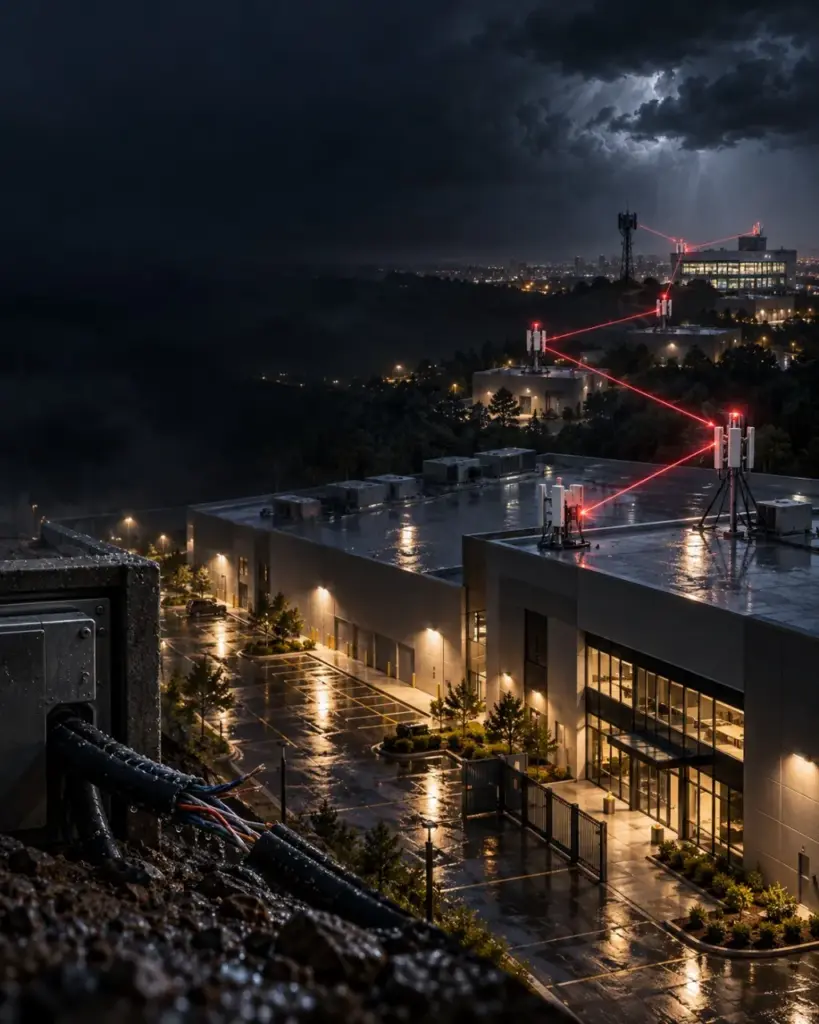
Data Centers & Server Facilities
Highest-tier isolation for security devices sharing infrastructure with critical systems.
02
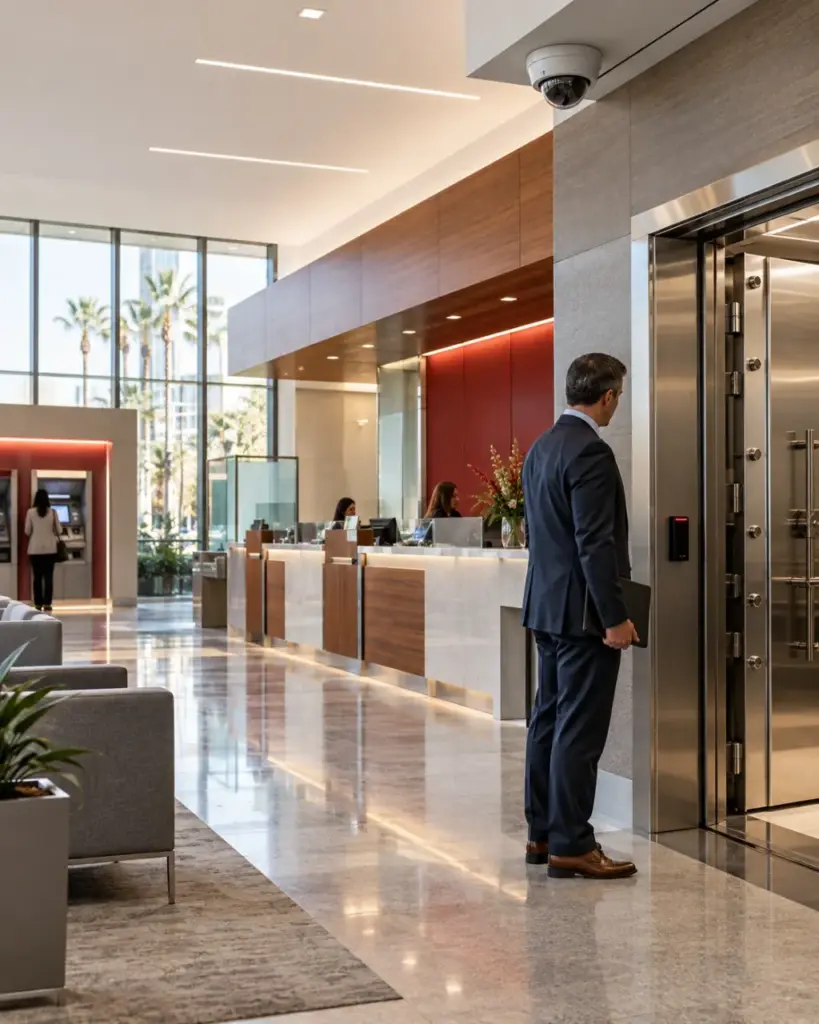
Financial & Professional Services Offices
Encrypted credential data aligned with regulatory data-handling expectations.
03
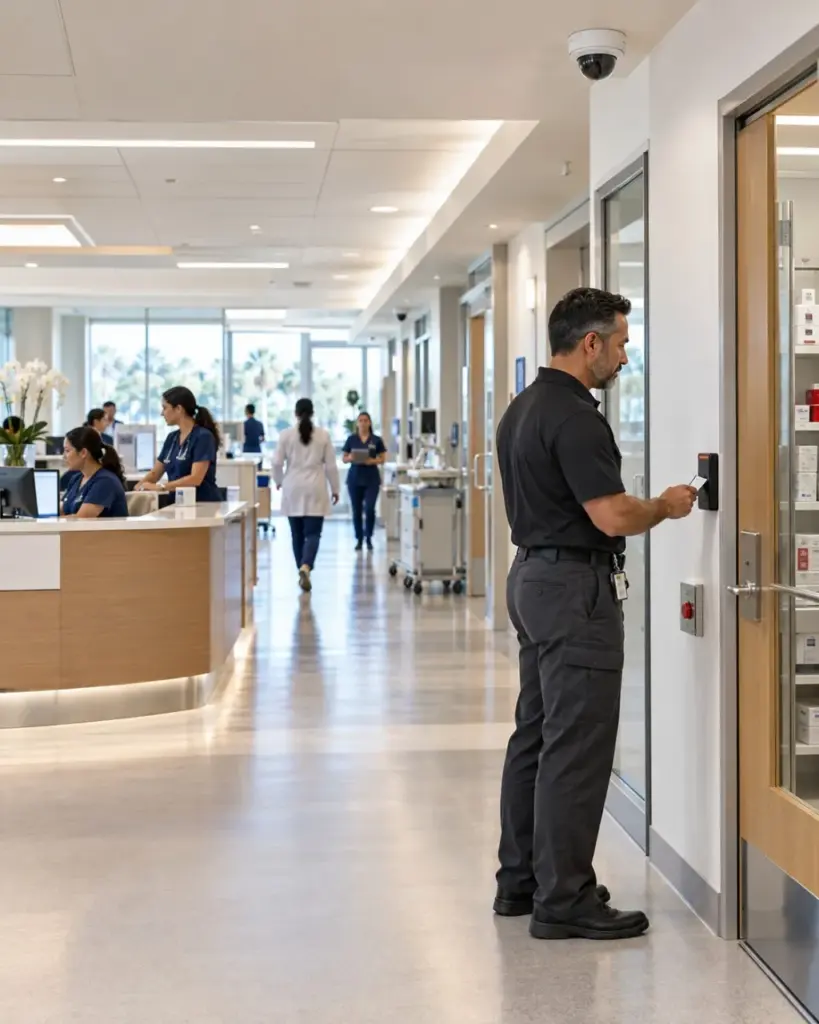
Healthcare Facilities
Network segmentation supporting HIPAA-conscious data handling for connected devices.
04
Government & Municipal Buildings
NDAA-compliant hardware sourcing required for public-sector deployments.
05
Retail & Multi-Location Chains
Centralized patch management across distributed store networks.
06
Corporate & Multi-Tenant Offices
Isolated security VLANs kept separate from tenant and guest Wi-Fi.
A Secure Camera Starts With Secure Configuration.
Find out whether your network would survive an actual penetration test today.