
Southern california commercial security • since 1987
24-Hour Commercial Security Monitoring
JMG SECURITY SYSTEMS connects your intrusion, fire, video, access, and critical-system alerts to trained monitoring staff, custom response protocols, and redundant communications, 24/7. We start with your facilities, equipment, and risks, whether you're replacing a provider, adding video verification, or coordinating multiple locations.
✓
Already have panels, cameras, sensors, or communicators? JMG SECURITY SYSTEMS evaluates compatibility before recommending replacement.
Local experience
Serving Southern California since 1987
Response design
Customized contacts and escalation protocols
Communications
Primary and compatible backup signal paths
System fit
Existing equipment reviewed before replacement
01 · How to choose
How To Choose Commercial Security Monitoring?
The best monitoring system is not simply the one with the most features. It is the one that can reliably receive your facility’s signals, provide useful event context, follow clear response instructions, remain available when primary communications fail, and work with your current and future security infrastructure.
01
Who Responds When Your Staff Cannot?
Confirm who receives alerts after hours, how events are prioritized, what happens when the first contact is unavailable, and whether contact attempts and actions are documented.
JMG
Staffed monitoring with facility-specific escalation instructions.
02
Can the Event Be Verified?
Alarm-only signals provide limited context. Where compatible cameras and event mapping are available, video verification may help operators understand what occurred before the next response decision.
JMG
Relevant video connected to the correct alarm zone.
03
Will Signals Transmit During an Outage?
A cellular label does not guarantee resilience. Review primary and secondary communication paths, backup power, shared network dependencies, coverage, maintenance, and actual failover testing.
JMG
Tested communication resilience, not assumed redundancy.
04
Will It Fit Your Equipment and Future Locations?
Confirm compatibility with existing panels, cameras, access control, sensors, software, reporting needs, user permissions, and multi-site requirements before agreeing to unnecessary replacement.
JMG
A documented retain, integrate, upgrade, or replace plan.
02 · What to confirm before you choose
What Makes Commercial Security Monitoring Effective
Facility managers are not purchasing another notification app. They are choosing who receives critical signals, what information is available, how the response is coordinated, and whether the system remains dependable after hours or during a communication failure. These six elements should be confirmed before selecting a commercial security monitoring provider.
01
Response Beyond Your On-Site Team
Trained monitoring personnel should receive configured signals around the clock and follow the instructions established for your facility when employees cannot respond.
02
Clear Event and Location Information
Each alert should identify the correct account, facility, alarm type, and protected zone. Where video verification is configured, relevant footage may provide additional context for the next decision.
03
A Response Plan Defined Before the Alarm
Confirm the call order, authorized contacts, after-hours rules, verification steps, escalation requirements, and what happens when the first contact cannot be reached.
04
Tested Communication Resilience
Review the panel, communicator, network dependencies, backup power, and available secondary signal paths. “Cellular capable” or “backup ready” should never replace actual configuration and testing.
05
Compatibility With Existing Security Equipment
A qualified provider should evaluate your panels, cameras, sensors, access-control systems, software, and communicators before recommending what to retain, integrate, upgrade, or replace.
06
Documentation and Multi-Site Oversight
Available event history, operator activity, contact attempts, standardized priorities, and site-specific instructions can support investigations, reporting, and more consistent management across multiple facilities.
03 · Signal to documented response
What Happens When An Alarm Is Triggered?
A commercial security monitoring system should turn a configured signal into a clear, repeatable response. After the signal reaches the monitoring operation, the event is identified, available context may be reviewed, your facility’s instructions guide the next action, and the available activity is documented. The exact sequence depends on the event, installed systems, service agreement, account instructions, and local authority requirements.
Transmission
The Signal Reaches The Monitoring Operation
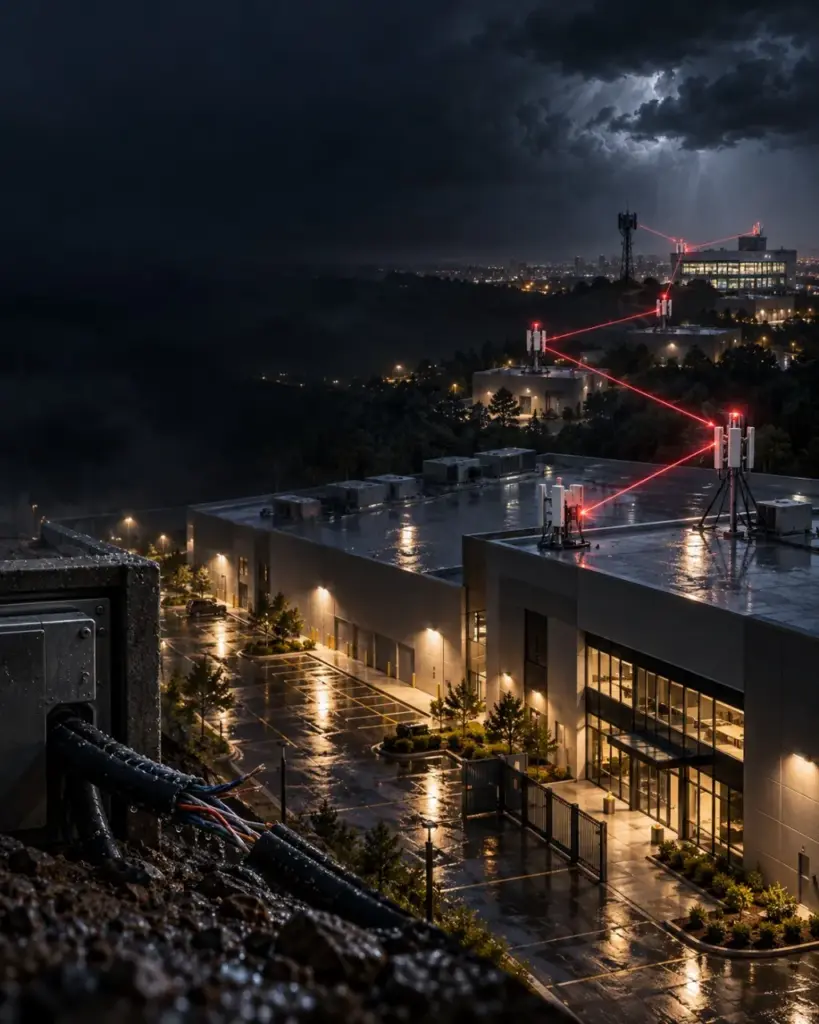
A compatible IP, cellular, mesh-radio, or other configured communication path transmits the account, facility, event type, and protected-zone information.
Classification
The Event Is Identified And Prioritized
Monitoring software and trained personnel classify the event using the site, system, alarm category, zone name, priority, and available account instructions.
Verification
Available Context Is Reviewed
Where video verification or another supported integration is configured, the operator may review the relevant camera view or supporting information before proceeding.
Coordination
Your Response Instructions Guide The Next Action
The operator follows the approved call order, after-hours contacts, verification requirements, special site conditions, and escalation procedure established for the account.
Action + records
The Appropriate Response Is Initiated And Documented
Depending on the event, available information, customer instructions, and jurisdiction, designated contacts or the appropriate emergency service may be notified. Available signals, operator actions, and contact attempts are recorded for later review.
04 · Signal to response
Alarm Security Monitoring
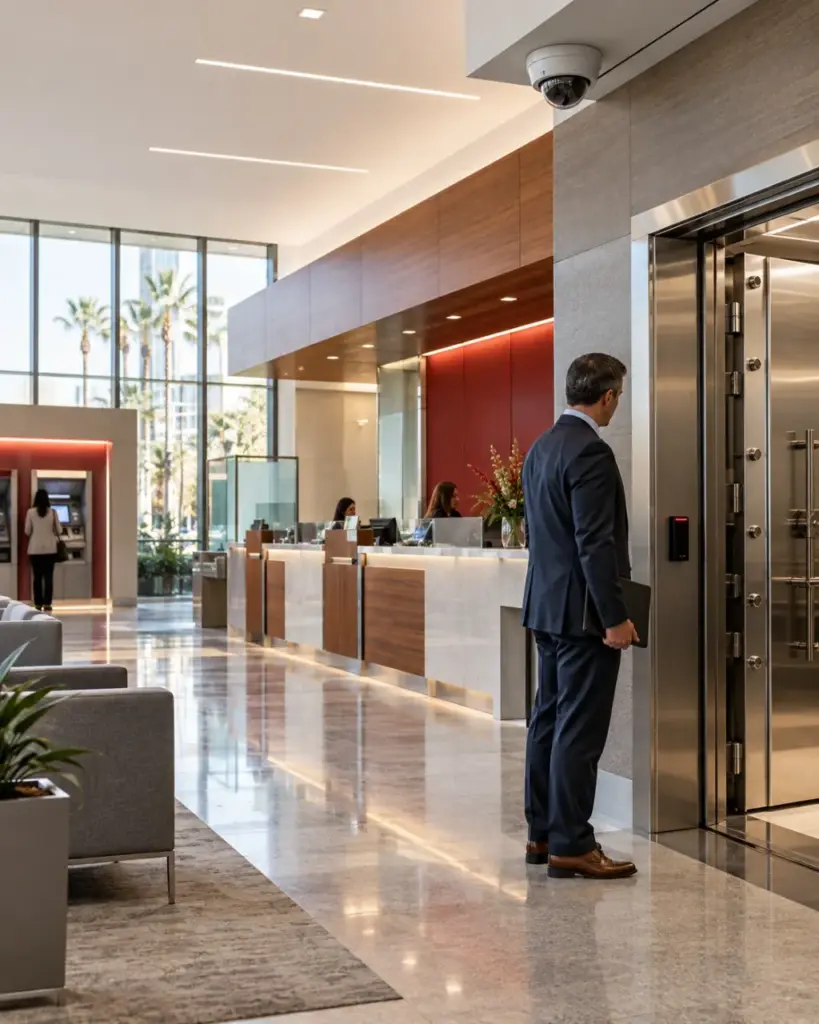
Alarm security monitoring connects your facility’s intrusion, fire, access-control, duress, and compatible critical-condition signals to a staffed response process, not just a mobile notification. When a configured event reaches the monitoring operation, the system identifies the account, location, alarm type, and protected zone so trained personnel can follow your approved contact and escalation instructions. Where video verification is integrated, relevant camera footage may provide additional context before the next response decision. JMG SECURITY SYSTEMS designs 24-hour commercial alarm monitoring around your operating hours, risks, existing equipment, communication paths, and authorized responders. Whether you are replacing a provider, adding video verification, or coordinating multiple sites, explore how JMG SECURITY SYSTEMS receives, prioritizes, verifies, escalates, and documents monitored events.
Outdoor Security Cameras Designed For Real Site Conditions
Outdoor security cameras for commercial properties must capture usable video through changing light, nighttime conditions, glare, rain, dust, heat, distance, and constant vehicle or pedestrian movement. JMG SECURITY SYSTEMS evaluates parking lots, loading docks, perimeter gates, service alleys, yards, rooftops, and building entrances before recommending camera locations and specifications. The design considers image resolution, lens selection, low-light performance, wide dynamic range, weather and vandal resistance, mounting height, power, network capacity, and video retention. The goal is not to install the greatest number of cameras. It is to create reliable outdoor coverage that helps authorized teams understand where activity occurred and retrieve useful footage when an incident requires investigation.
Outdoor cameras become more actionable when they are connected to supported intrusion alarms, access-control events, or configured video analytics. When the correct camera is mapped to a protected zone, monitoring personnel may be able to review the relevant view and use available visual context while following the facility’s approved response instructions. This is different from claiming that every camera is continuously watched live; the monitoring model, event rules, camera coverage, connectivity, and operator service must be clearly defined. JMG SECURITY SYSTEMS helps Southern California businesses coordinate compatible outdoor surveillance cameras, alarm events, communication paths, and response procedures around the property’s actual risks and operating hours.
Motion Sensor
A motion sensor adds an important interior detection layer for commercial offices, warehouses, stockrooms, corridors, and restricted areas, but reliable performance depends on proper selection, placement, and configuration. Mounting height, field of view, heat, airflow, machinery, shelving, authorized movement, and operating schedules can all affect how a detector performs. JMG SECURITY SYSTEMS evaluates these site conditions before recommending passive infrared, microwave, or dual-technology motion detection where appropriate. Each device is assigned to a clearly named alarm zone so authorized contacts and monitoring personnel can identify where an event originated. When connected to compatible 24-hour alarm monitoring and video verification, a configured motion event may also provide relevant camera context and initiate the facility’s approved response procedure. Explore whether your property needs new sensors, better placement, or targeted system adjustments.
Remote Camera Access
Remote camera access allows authorized business owners, facility managers, and security teams to view live or recorded video from compatible commercial security cameras using a secure mobile app, browser, or workstation. It can provide convenient visibility across entrances, parking areas, loading docks, restricted spaces, and multiple facilities, but remote viewing is not automatically the same as professional video monitoring. JMG SECURITY SYSTEMS evaluates camera compatibility, network capacity, user permissions, cybersecurity settings, video retention, and platform capabilities before configuring remote security camera viewing. Where selected and supported, camera events may also connect to video verification or proactive monitoring workflows so relevant footage can provide context when an alert occurs. Explore how JMG SECURITY SYSTEMS can combine secure remote viewing with the monitoring model, access controls, and response procedures appropriate for your facility.
WiFi cameras
Commercial WiFi cameras provide flexible security coverage when running new data cabling is difficult, but reliable business-grade performance depends on more than a strong wireless signal. JMG SECURITY SYSTEMSevaluates network coverage, bandwidth, interference, encryption, user permissions, video retention, and camera compatibility before recommending a WiFi security camera system. The result is secure remote viewing across entrances, parking areas, loading docks, and restricted spaces without relying on consumer-grade equipment or an overloaded network. Where supported and configured, camera events can also connect with video verification or 24-hour professional monitoring, giving responders useful visual context when an alert occurs. Explore whether commercial wireless security cameras are the right fit for your facility, infrastructure, and response plan.
Commercial Security Monitoring Built Around Your Operation
JMG SECURITY SYSTEMS supports your facility from the initial system assessment through implementation and ongoing monitoring. We evaluate compatibility, define response procedures, test critical connections, and help your monitoring plan adapt as your properties, risks, and authorized responders change.
06 · Before Implementation
Assess Before Replacing
JMG SECURITY SYSTEMS reviews your existing alarms, cameras, access control, communication paths, operating hours, facility risks, and authorized responders to identify compatibility, coverage gaps, and priorities.
During configuration
Build Around Your Response Needs
JMG SECURITY SYSTEMS configures monitored event types, contact lists, escalation rules, user permissions, communication paths, and video verification where supported. Signals and response procedures are tested before activation.
Monitor
Document
Adapt
Industry-specific protocols
Monitoring Designed Around How Your Facility Operates.
Different sites have different event priorities, staffing patterns and risk profiles. JMG SECURITY SYSTEMS aligns monitoring recommendations with real operational workflows.
Healthcare and medical facilities
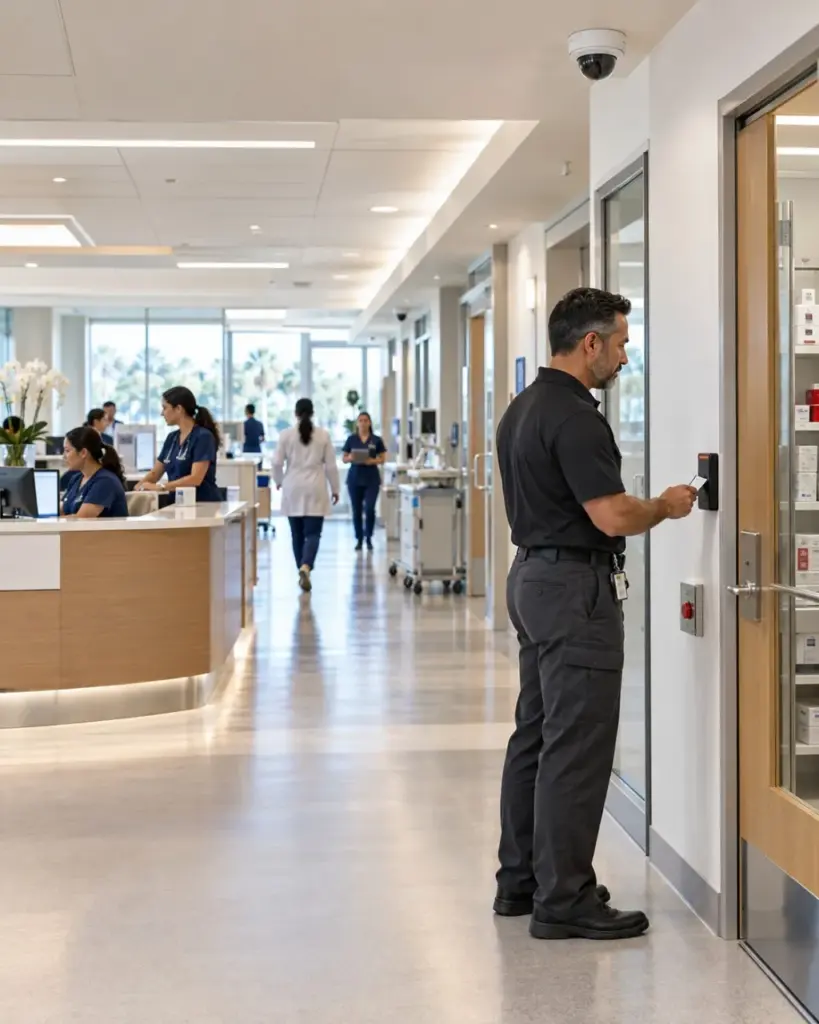
Monitor restricted areas, duress events, pharmacies, after-hours activity, and supported life-safety signals through role-based, documented response procedures.
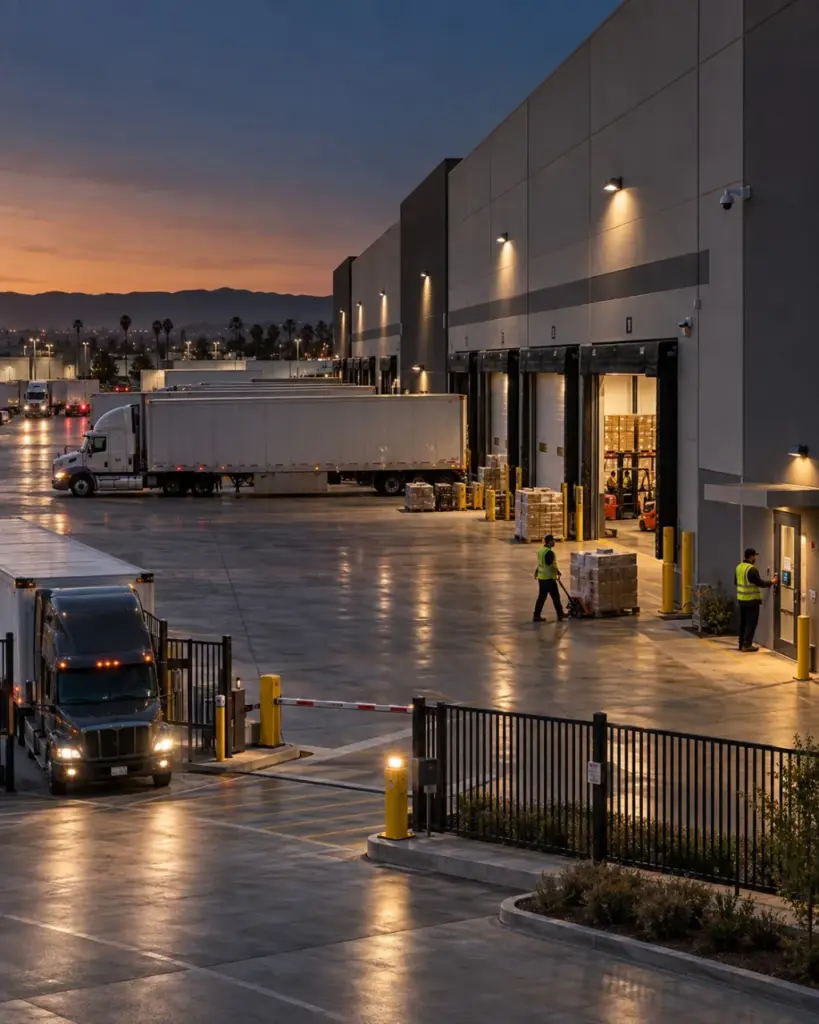
Warehousing and Distribution
Coordinate perimeter, gate, loading-dock, intrusion, video, and critical-condition events across rotating shifts and multiple facilities.
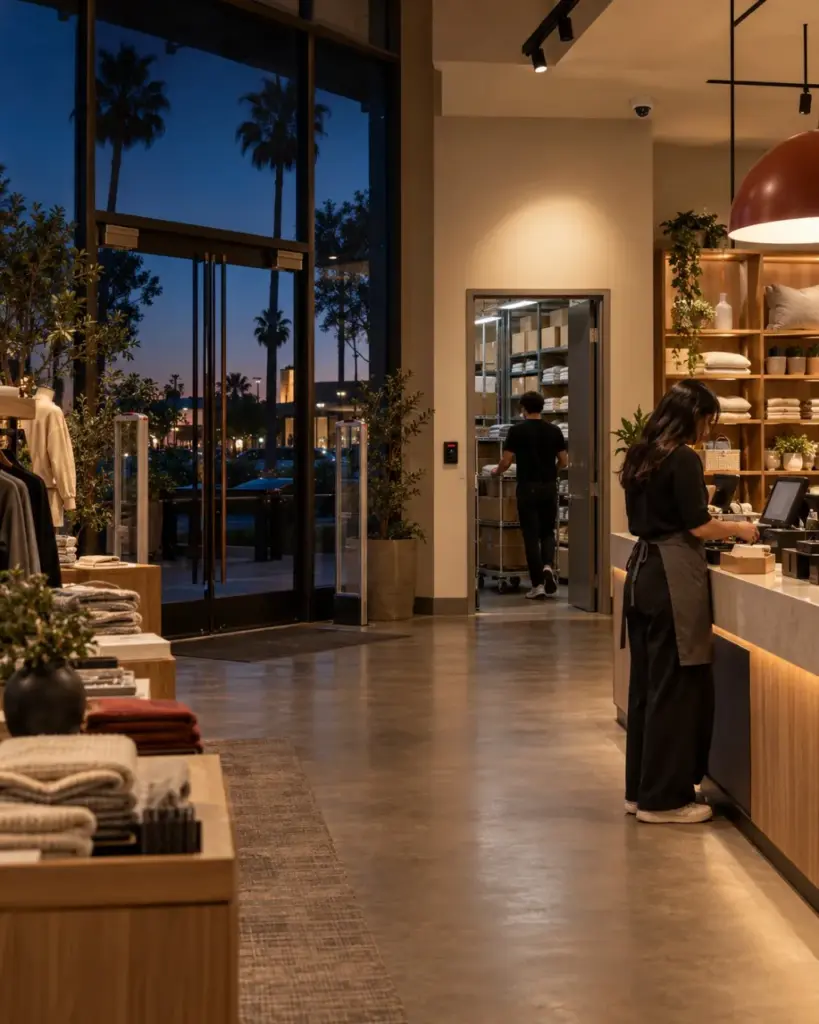
Retail and Shopping Centers
Connect intrusion alerts with available video context and site-specific escalation procedures for stores, stockrooms, parking areas, and after-hours events.
Manufacturing and Industrial Facilities
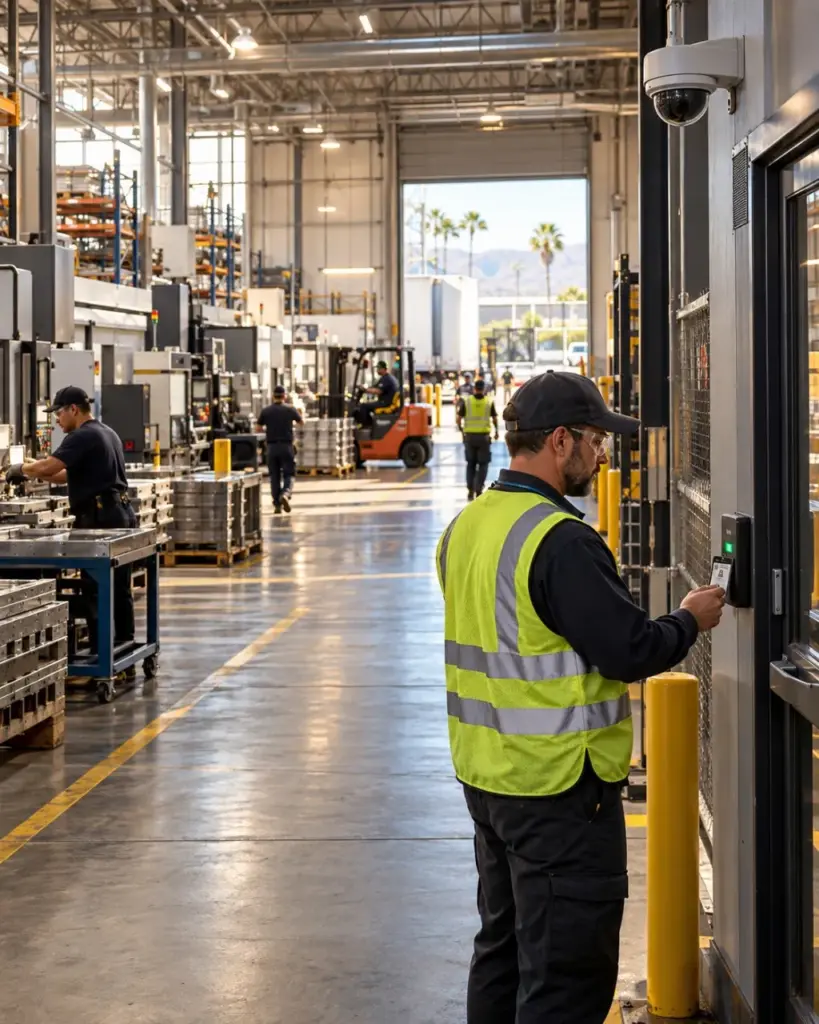
Monitor perimeter, restricted-area, equipment, and compatible environmental signals without creating unnecessary disruption to production workflows.
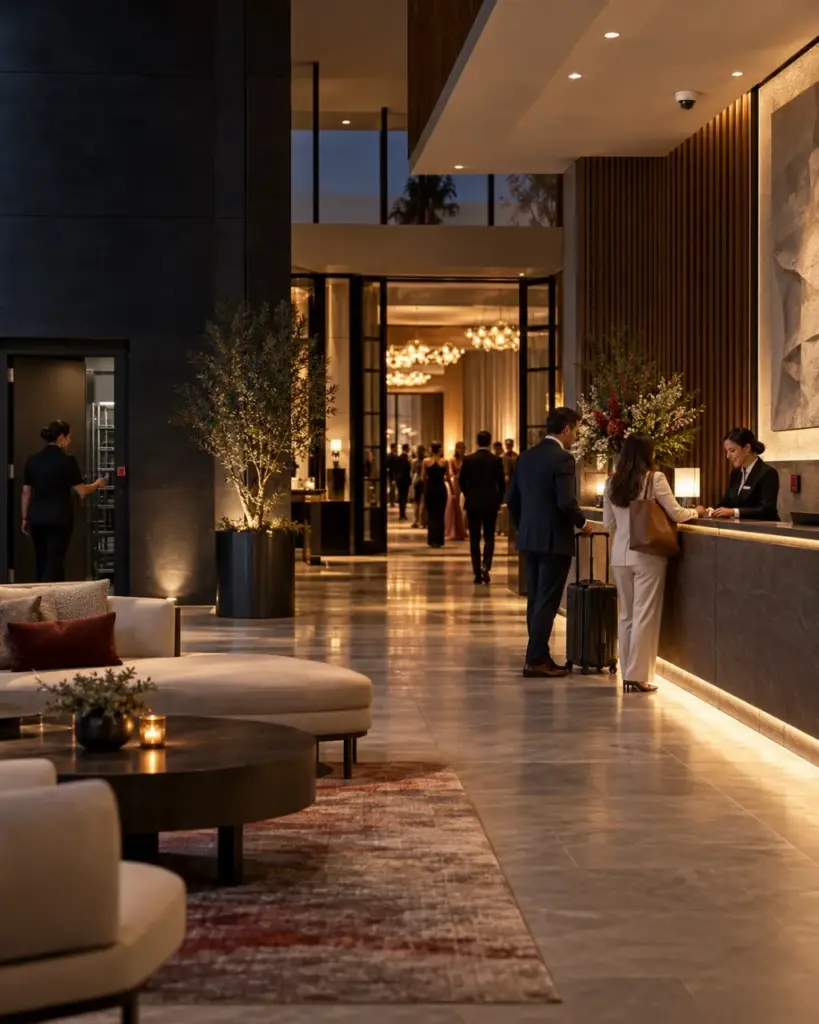
Hotels and Hospitality Properties
Support public areas, parking, event spaces, staff entrances, and back-of-house operations with permissions and response procedures designed around continuous occupancy.
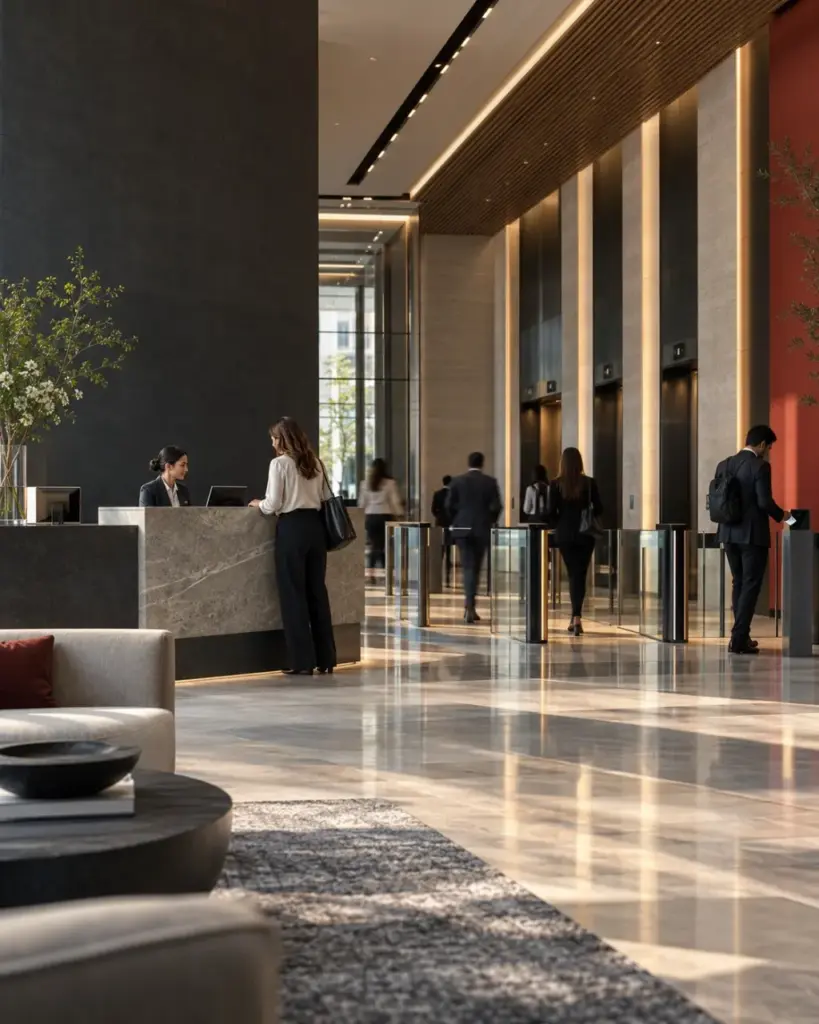
Commercial Offices and Multi-Tenant Properties
Coordinate lobby, tenant, contractor, parking, and after-hours events while maintaining appropriate permissions and tenant-specific response instructions.
24/7 Monitoring Requires A Reliable Response Path
Evaluate how your communication paths, backup power, contact lists, escalation rules, and video-verification workflow perform before an outage or emergency exposes the gap.